Your windows are their playground.
They climb window edges, hitch a ride when you drag one, shoot hoops in an empty corner and pounce on any toy you drop in.
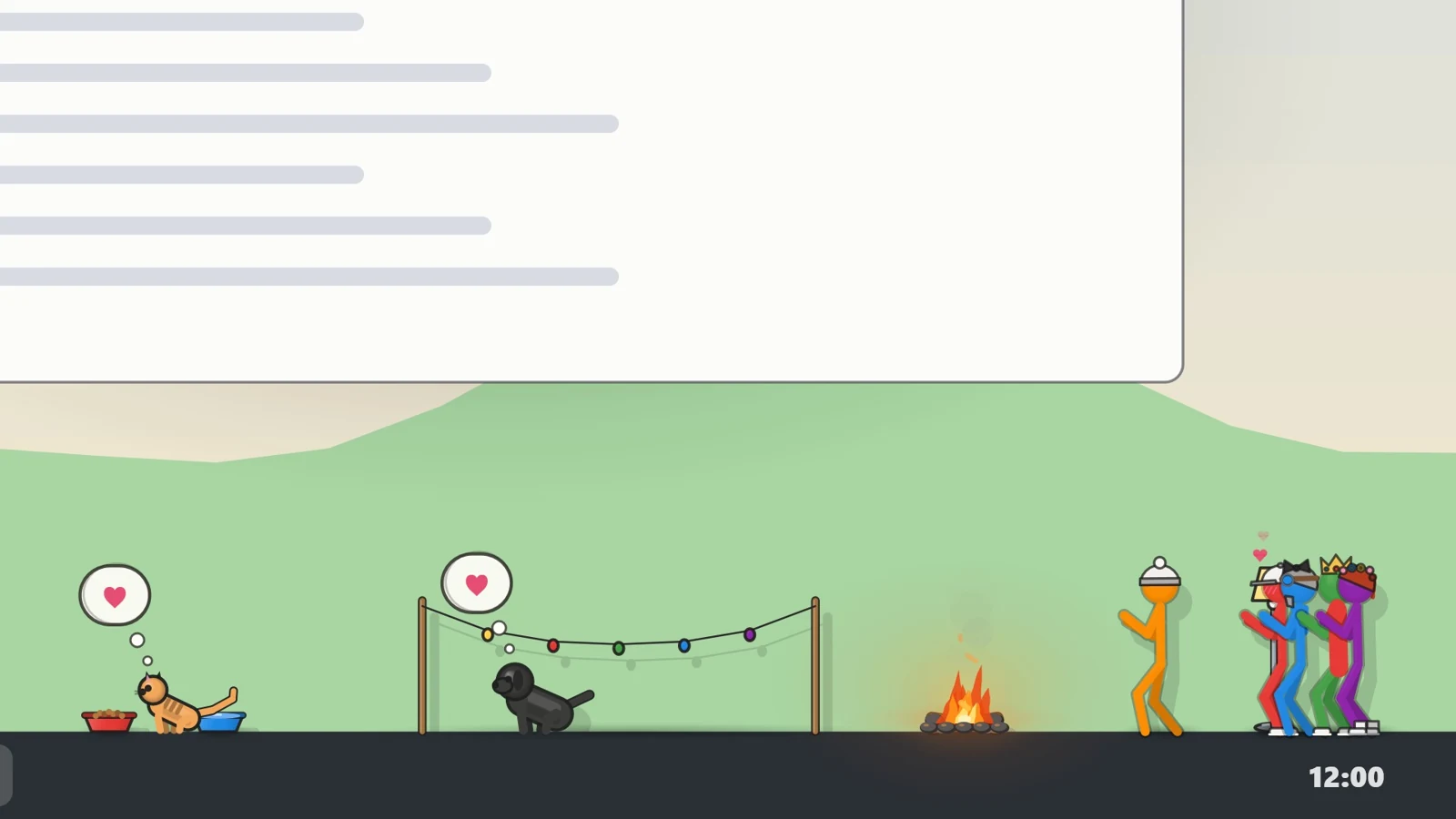
A cast of doodles moves onto your screen. They climb your windows, play ball on the taskbar, make friends and rivals, and nap on top of whatever you have open.
Windows 10 and 11 · Early Access planned on Steam · Release date to be announced
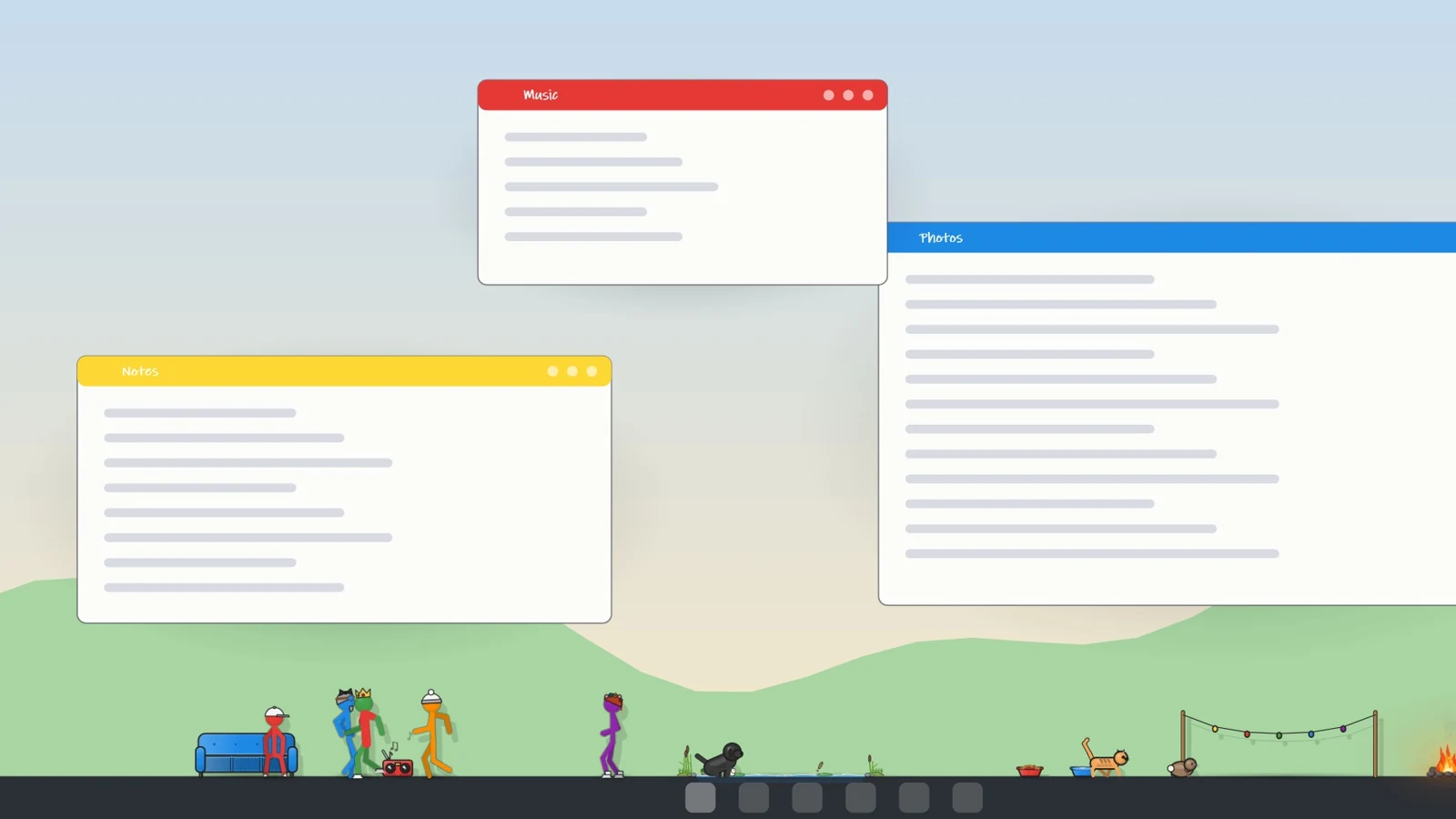
Development footage, including staged desktop scenes.
They climb window edges, hitch a ride when you drag one, shoot hoops in an empty corner and pounce on any toy you drop in.
Each one has their own likes, moods and grudges. Some become best friends, some can’t stand each other, and before long you know who’s who.
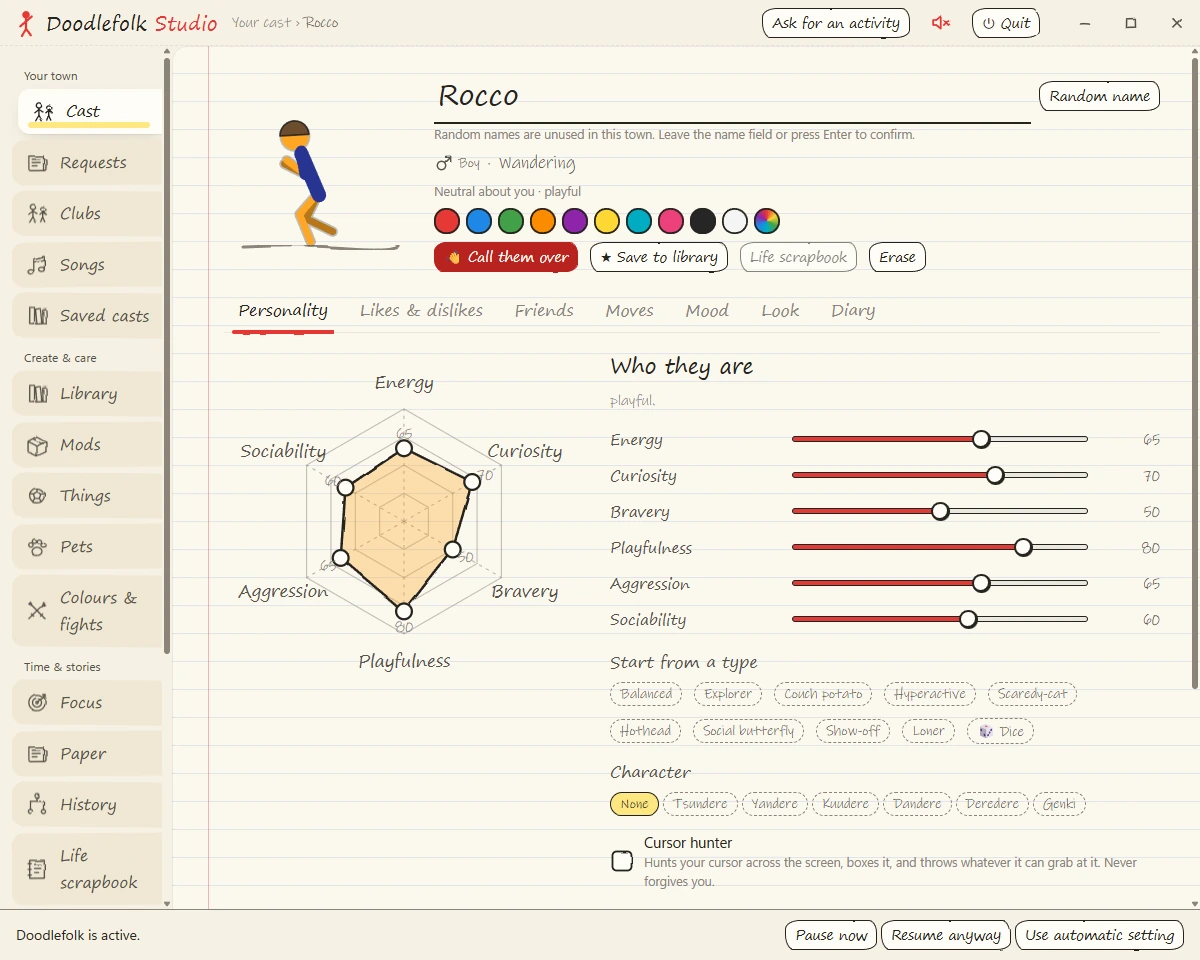
Pick your cast, dress them up, give them furniture and pets, and doodle a ledge for them to stand on.
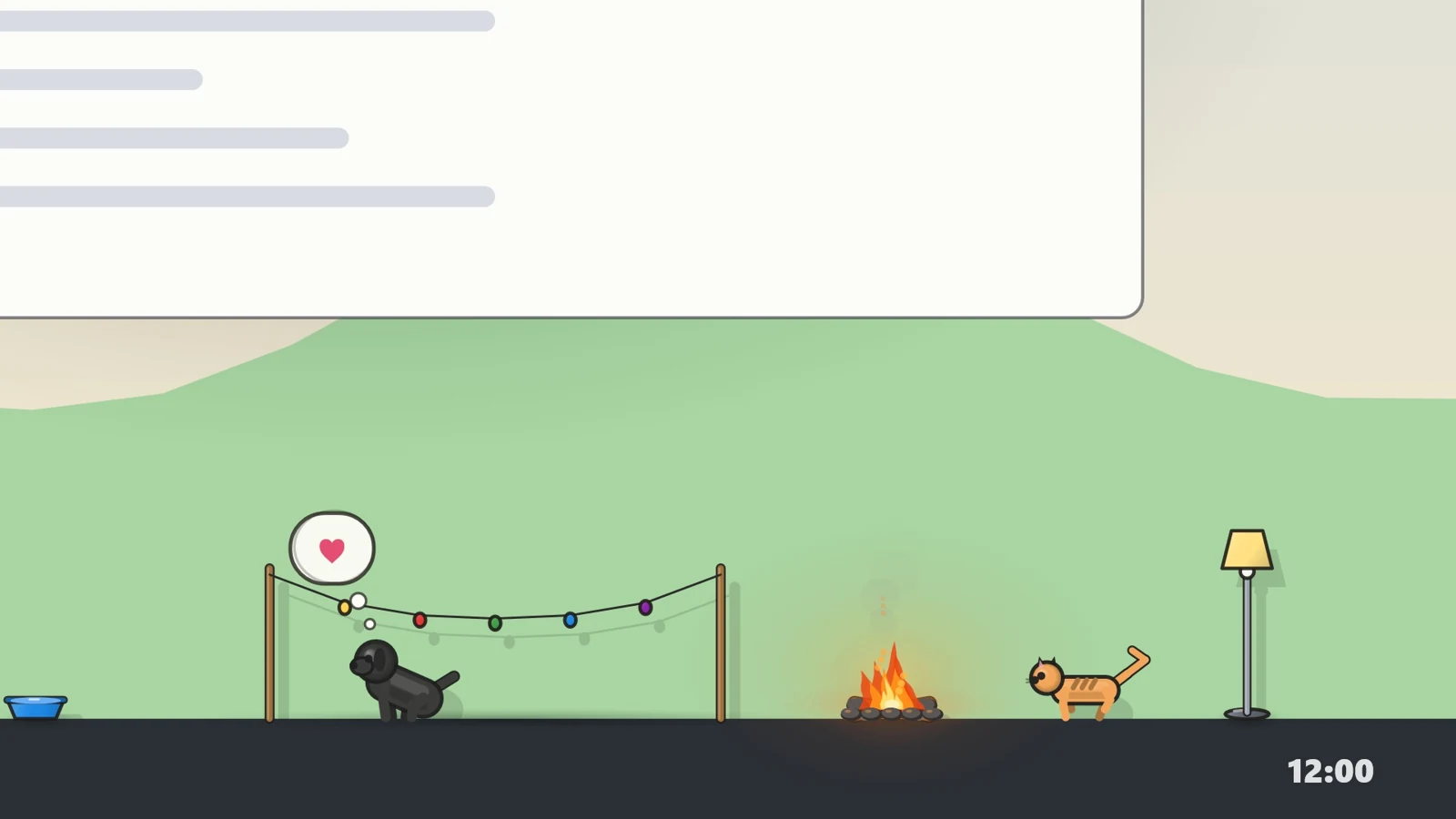
Screenshots freshly staged with the native Doodlefolk renderer on 13 October 2026, from development build 1.3.12. The game keeps changing during development.
Doodlefolk is coming to Steam, and its store page is public. Early Access is planned; the release date has not been announced yet. Official downloads and updates will come only through Steam.
Doodlefolk is made for 64-bit Windows 10 (version 2004 or later) and Windows 11, with an English interface and mouse and keyboard controls. Studio needs the Microsoft Edge WebView2 Runtime, which comes with Windows 11 and current Windows 10. Most testing so far has been on Windows 11, and system requirements have not yet been measured on Windows 10. Mac, mobile, Steam Deck and controller support have not been announced.
Yes. Studio includes Calm mode, focus settings, quiet hours, sound controls, and options for fighting and life events. Gaming Pause hides the town while you play; new players start with it pausing for fullscreen apps, and you can change that or pause by hand. You can also hide the figures or quit from the tray controls. Have as much or as little going on as you like.
Choose names, colors, looks and personality settings; arrange furniture, toys and pets; draw on your desktop; and save named casts. Game owners can make data-only mods (JSON and simple SVG shapes) with the included DoodleKit guide, check them in the game, and share or subscribe to mods through the Steam Workshop.
No online play: the town runs on your PC and works offline, friends cannot visit each other's towns, and the visitors who drop by are local characters. Steam features (achievements, Cloud saves, the Workshop and weekly community goals) and opt-in extras such as Twitch chat for streamers and internet meme templates use the internet. There is no AI chat, and no generative AI runs in the game. As the Steam page notes, some content was made with the help of generative AI tools during development. The privacy policy explains what each feature uses.
Windows 10 and 11 · Coming to Steam Early Access